
Practical guides · maintenance
UV System Alarms and Maintenance: Lamps, Sleeves and Power Interruptions
A UV alarm may signal an aging lamp, an operating fault or low intensity on a monitored system. Learn what to record, what maintenance addresses and why restarting takes more than restoring power.
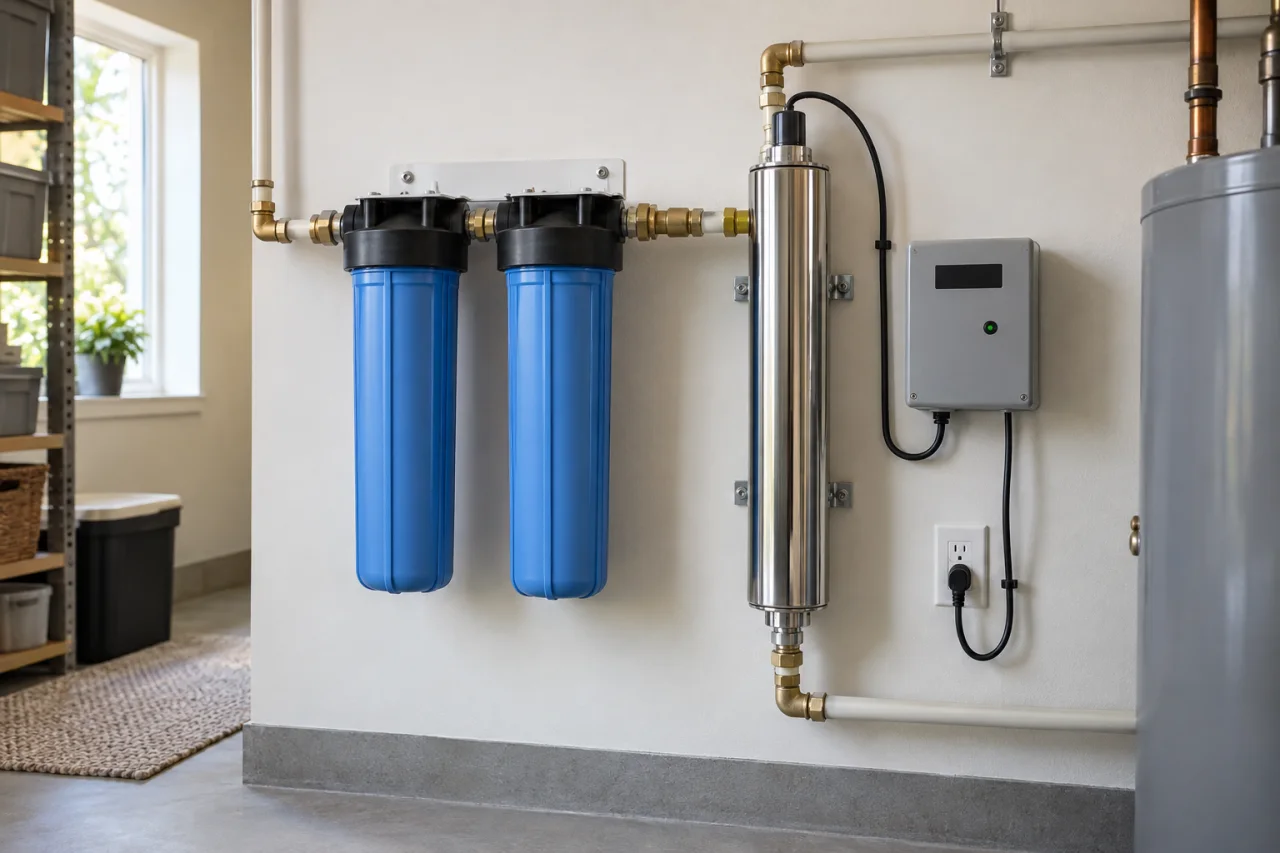
What you’ll learn
- Identify the exact model and warning before resetting or muting the controller.
- Lamp-age reminders, operating faults and low-UV warnings are different conditions.
- Visible lamp glow does not prove adequate disinfection; lamp replacement and sleeve cleaning address different needs.
- After an interruption, follow the manual’s warm-up and downstream cleaning requirements, plus public-health guidance.
A beeping UV controller deserves attention, but not every warning means the same thing. The practical question is not simply how to silence it—it is what must happen before you can rely on treated water again. Start with the exact equipment manual, distinguish scheduled maintenance from faults, and use a safe alternative water supply whenever disinfection is uncertain. This guide explains the decisions without replacing model-specific instructions.
1. Identify the equipment before interpreting the alarm
Before pressing reset, photograph the message and record the chamber model, controller model and last lamp-change date. Find the matching manual—not simply instructions for a similar-looking unit. Controllers and monitoring features differ, even within one manufacturer’s range.
A useful service description is specific: the warning appeared after an outage, during normal use or soon after maintenance. Include whether water continued flowing and whether a bypass was opened. These observations help frame the problem without opening electrical connections or dismantling a pressurized chamber.
2. Separate replacement reminders from treatment faults
A lamp-age reminder tracks replacement timing. A lamp fault concerns operation. A low-UV warning on a monitored model concerns the detected UV level. They call for different investigations; a quiet controller after muting is not evidence that the underlying condition has changed.
Use the comparison below to organize your next question, not to translate an unfamiliar beep pattern. Exact messages, thresholds and permitted troubleshooting steps belong to the applicable manual.
Common warning categories; terminology and available monitoring depend on the model.
| Warning category | What it indicates | Decision and limitation |
|---|---|---|
| Lamp-age reminder | Scheduled replacement is approaching or due. | Confirm lamp age and replacement instructions; do not reset an old lamp. |
| Lamp or controller fault | The lamp or its power/control equipment is not operating normally. | Use model-specific troubleshooting; muting does not repair the fault. |
| Low UV on an equipped model | The monitored UV level is below the model’s acceptable condition. | Investigate lamp, sleeve, sensor and water quality as directed. |
| Blank display or lost power | Treatment operation cannot be assumed. | Resolve the power issue and follow restart requirements before relying on water. |
3. Replace the lamp by its instructions—not its appearance
Visible blue light is not a measurement of germicidal UV output. A lamp can look illuminated without providing equivalent disinfection performance. Never operate a removed lamp or look directly at it to judge its condition.
Replacement timing is model-specific. The VIQUA D4 Premium, E4 and F4 family manual specifies annual replacement; other families have different schedules. Use the specified lamp, not a visually similar substitute, and reset the counter only after replacement.
Keep the installation date and part number with your household maintenance records. That makes the next reminder easier to interpret and avoids relying on memory when ownership or service arrangements change.
4. Treat sleeve maintenance as a separate task
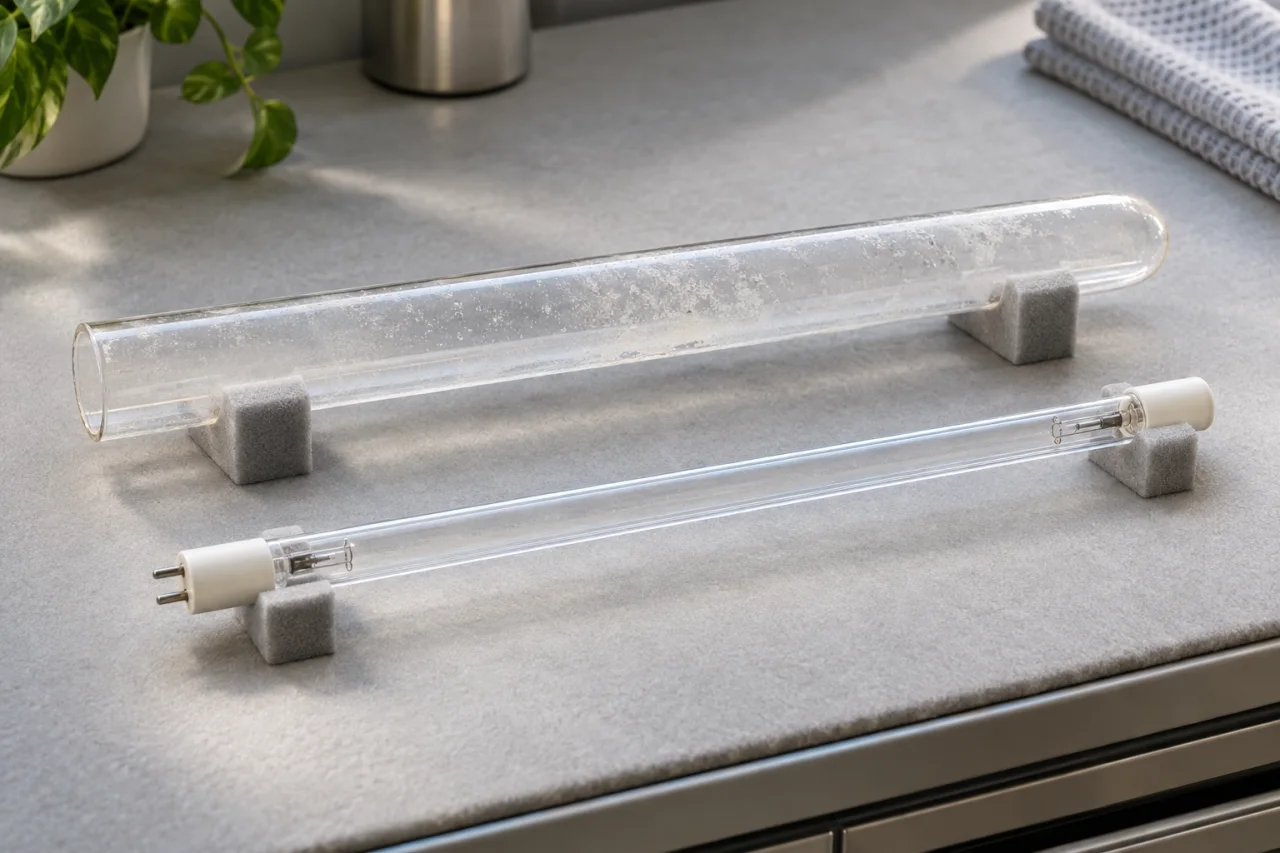
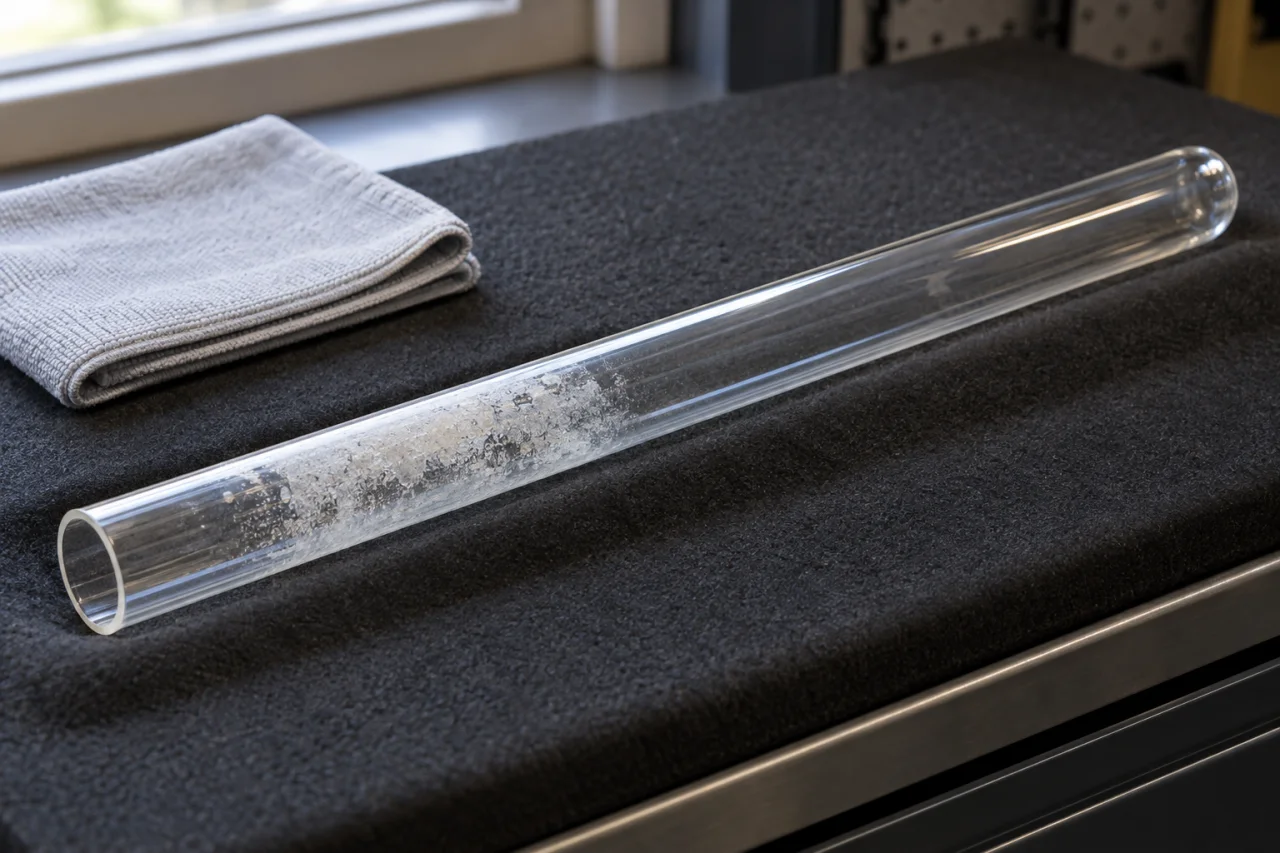
Lamp replacement and sleeve cleaning solve different problems. UV output declines as a lamp ages; mineral film on the quartz sleeve reduces the light reaching the water. Cleaning the sleeve does not renew an aging lamp.
For the models covered by VIQUA’s lamp-and-sleeve instruction sheet, servicing requires power disconnection, water isolation, depressurization and cooling before handling. Do not use water during lamp replacement. Fragile glass, hot components and electrical equipment make improvised shortcuts inappropriate.
The sheet permits specified mild-acid cleaning followed by rinsing. A sleeve that cannot be cleaned completely, or is scratched or cracked, requires replacement. Use the exact instructions for cleaners, seals and reassembly rather than transferring a procedure from another model.
5. Investigate recurring low-intensity warnings
On sensor-equipped systems, low UV does not automatically mean the sensor is defective. Manufacturer troubleshooting identifies possible causes including an aging lamp, dirty sleeve or sensor window, power problems and changed incoming water quality.
Ask what changed before buying parts. Has the warning returned after cleaning? Did it begin after a water-quality change? Does it coincide with another treatment unit’s operation? A recurring warning deserves investigation rather than repeated muting.
Water must suit the UV equipment’s operating requirements. Our guide to when UV water treatment makes sense explains the broader selection questions. Pre-filtration can improve UV treatment, but a routine cartridge change alone does not establish that a low-intensity fault has been resolved.
6. Restart the system and address downstream plumbing
An outage creates two separate questions: is the UV equipment ready, and does downstream plumbing need attention? A lit controller answers neither question by itself.
For example, the VIQUA D4/E4/F4 family manual requires no water flow through the system for at least five minutes after power is applied, including after interruptions. It also directs downstream chemical cleaning after loss of power, service shutdown or other inoperative conditions. These are instructions for that equipment, not a universal restart recipe.
Have the applicable cleaning procedure completed before relying on treatment again. Do not improvise a bleach dose or assume flushing alone substitutes for sanitizing. If flooding or loss of well pressure also occurred, review well water after flooding or a power outage: restoring the UV unit does not resolve every possible source-water problem.
7. Use a safe water supply while uncertainty remains
When disinfection is uncertain, use safe bottled water while obtaining instructions. Follow health-department guidance for drinking, cooking, brushing teeth, ice and other uses involving potentially unsafe water. Do not assume a pitcher or refrigerator filter substitutes for failed disinfection.
For microbial concerns, public-health guidance describes boiling as an emergency option. Chemical contamination is different: boiling or disinfecting cannot make water containing fuel or toxic chemicals safe. Use another safe source and contact the health department.
Testing and treatment should address the actual concern. Water Testing can help inform treatment decisions, but a controller display is not a water test, and UV does not remove chemical contaminants.
8. Prepare useful questions before arranging service
For homeowners in West End and Moore County, The Water Knight offers UV Water Systems and water testing. Water treatment visits are by arrangement.
When requesting help, describe what you observed and ask for an assessment of the proposed work before proceeding. Separate routine replacement from unresolved fault diagnosis: a new lamp may be due, but that does not explain every alarm. Keep the final service record with the manual so future maintenance starts with clear information rather than another reset.
- Record the exact warning, model numbers and last known lamp replacement.
- Explain any outage, bypass use, flooding or water use while treatment was unavailable.
- Ask which lamp, sleeve, seals or diagnostic work the proposed service includes.
- Confirm the applicable restart and downstream cleaning requirements.
- Ask whether follow-up sampling is appropriate and when it should occur.
Questions & answers
Can I reset the lamp timer instead of replacing the lamp?
No. A timer reset does not renew the lamp’s UV output. Reset it only after installing the correct replacement lamp, following the instructions for your controller.
Does every UV system warn when disinfection intensity is low?
No. Low-intensity monitoring requires an equipped model with a UV sensor. A lamp timer or lamp-operation indicator is not the same feature. Confirm what your model actually monitors.
Does a glowing lamp mean the water is disinfected?
No. Visible blue light does not demonstrate adequate germicidal UV output. Lamp condition, sleeve cleanliness and water conditions still matter. Never remove or expose an energized lamp to check its glow.
Can I drink the water as soon as power returns?
Not automatically. Follow the exact manual’s warm-up and downstream plumbing cleaning requirements, and any public-health advisory. If treatment remains uncertain, use a safe alternative supply rather than relying on the restored display.
Will UV or boiling address chemical contamination?
UV is not chemical-removal treatment. Boiling also cannot make water containing fuel or toxic chemicals safe. Use another safe source and seek health-department guidance when chemical contamination is suspected.
Sources & further reading
- VIQUA D4 Premium, E4, F4 and related models — Owner’s Manual, Revision P
Model-specific lamp timing, alarm categories, timer reset, five-minute no-flow warm-up and downstream cleaning after power loss or service for the listed D4/E4/F4-family systems. ([viqua.com](https://viqua.com/wp-content/uploads/MNL520351R_EN.pdf))
- VIQUA Lamp and Quartz Sleeve Replacement — Instruction Sheet
Declining lamp output, mineral coating on sleeves, isolation and depressurization, electrical and UV precautions, cooling, approved cleaning approaches and replacement of uncleanable, scratched or cracked sleeves. ([viqua.com](https://viqua.com/wp-content/uploads/ISH602808-R_RevAG-EN.pdf))
- VIQUA Owner’s Manual 520189-R, Revision Y
Sensor-equipped monitoring, low-intensity warning causes including lamp age, dirty sleeve or sensor, voltage and changed water quality; model-dependent alarm and shutoff behavior. ([viqua.com](https://viqua.com/wp-content/uploads/MNL520189-R-EN.pdf))
- VIQUA H, K, Plus and PRO Models — Owner’s Manual
Visible blue light does not establish equivalent UV performance; different VIQUA equipment families have different lamp schedules, reinforcing the need to use the matching manual. ([viqua.com](https://viqua.com/wp-content/uploads/MNL602936_EN.pdf))
- CDC — How to Make Water Safe in an Emergency
Use of safe alternative water during uncertainty, emergency boiling guidance, affected household water uses, health-department direction and the limits of boiling or disinfection for fuel and toxic chemicals. ([cdc.gov](https://www.cdc.gov/water-emergency/about/))
- CDC — About Home Water Treatment Systems
Testing to guide treatment choice, treatment-specific limitations, improved UV performance with pre-filtration and the fact that UV treatment does not remove chemicals. ([cdc.gov](https://www.cdc.gov/drinking-water/about/about-home-water-treatment-systems.html))
Prepared and automatically checked on . Conditions, costs and requirements can change. Ask about the details that apply to your situation.
Continue reading
Helpful next reads
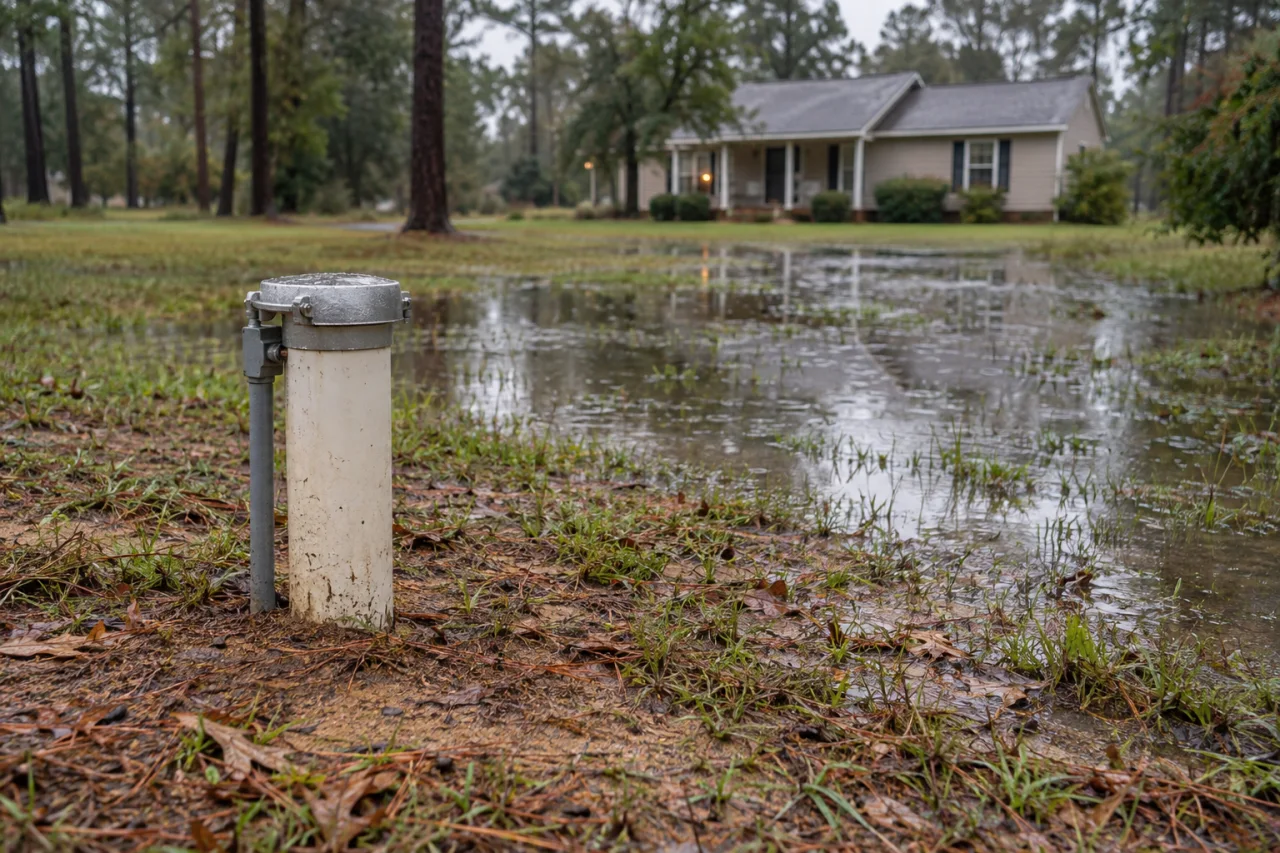
What Should You Do With Well Water After Flooding or a Power Outage?
A working pump does not establish water safety. Separate power loss from flood exposure, choose temporary water carefully, and use appropriate assessment and testing before resuming use.
Is UV Water Treatment Right for Your Well? Start With Water Quality and Flow
UV can be a useful disinfection step for well water, but its suitability depends on pretreatment, UV transmittance, peak flow and the exact equipment configuration.
Sanitizer Plus®, a Water Softener or UV: Different Jobs, Similar-Sounding Claims
Sanitizer Plus® sanitizes its conditioning tank; that is not a drinking-water disinfection guarantee. Learn how softeners, conditioners and UV differ—and which test results should guide your choice.